Connecting to Double
Abacor integrates with Double using a secure Client ID and Client secret. Once connected, you can publish meeting notes, transcripts, and action items directly into Double timelines.
Written By Delane Ly
Last updated 10 months ago
Get Your Connection Tokens from Double
Step 1: Log in to your Double account.
Step 2: Go to Help Center > Ask a Question
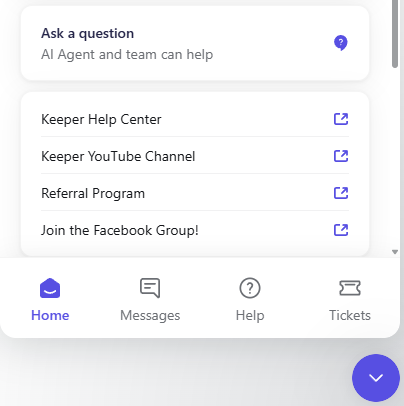
Step 3: In this conversation you will request for a Client ID and Client Secret to connect to Abacor.
Step 4: Wait for support to email you your Client ID and Client Secret.
Add the Token in Abacor
Step 1: In Abacor, go to Settings > Integrations.
Step 2: Select Double from the list.
Step 3: Paste your Client ID and Client Secret into the token field.
Step 4: Click Save & Connect.
Step 5: Once successful, you’ll see a confirmation message.
Troubleshooting
If your token doesn’t work, double-check you copied the full token.
Tokens may expire — if so, generate a new one in Double and reconnect in Abacor.
Still having trouble?
Email us at [email protected] with the meeting date and title so we can help.
Was this helpful?
Still need help? Ask the team