"Need admin approval" or "Admin Approval Needed" when trying to connect my Outlook calendar?
How to work with your system administrator to get Abacor approved to work in your Office 365 environment.
Written By Yingzhong Xu
Last updated About 1 year ago
When you try to connect your Office 365 account to Abacor, you may receive an error message that says Admin Approval Needed or Need admin approval.
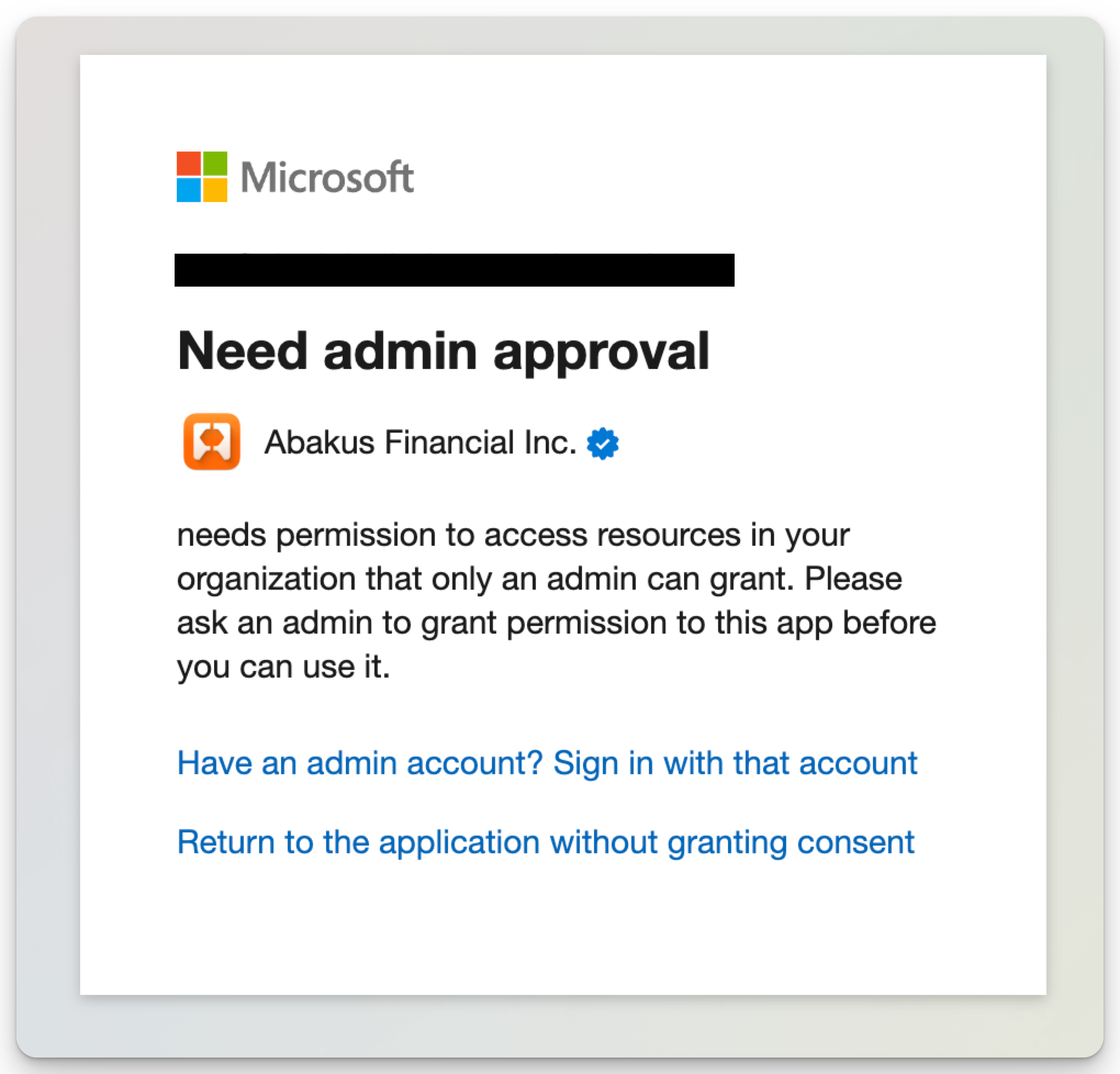
You will receive this error message if your Office 365 administrator has Enterprise applications | Consent and permissions enabled with security settings that limit the individual user’s ability to connect third-party applications.
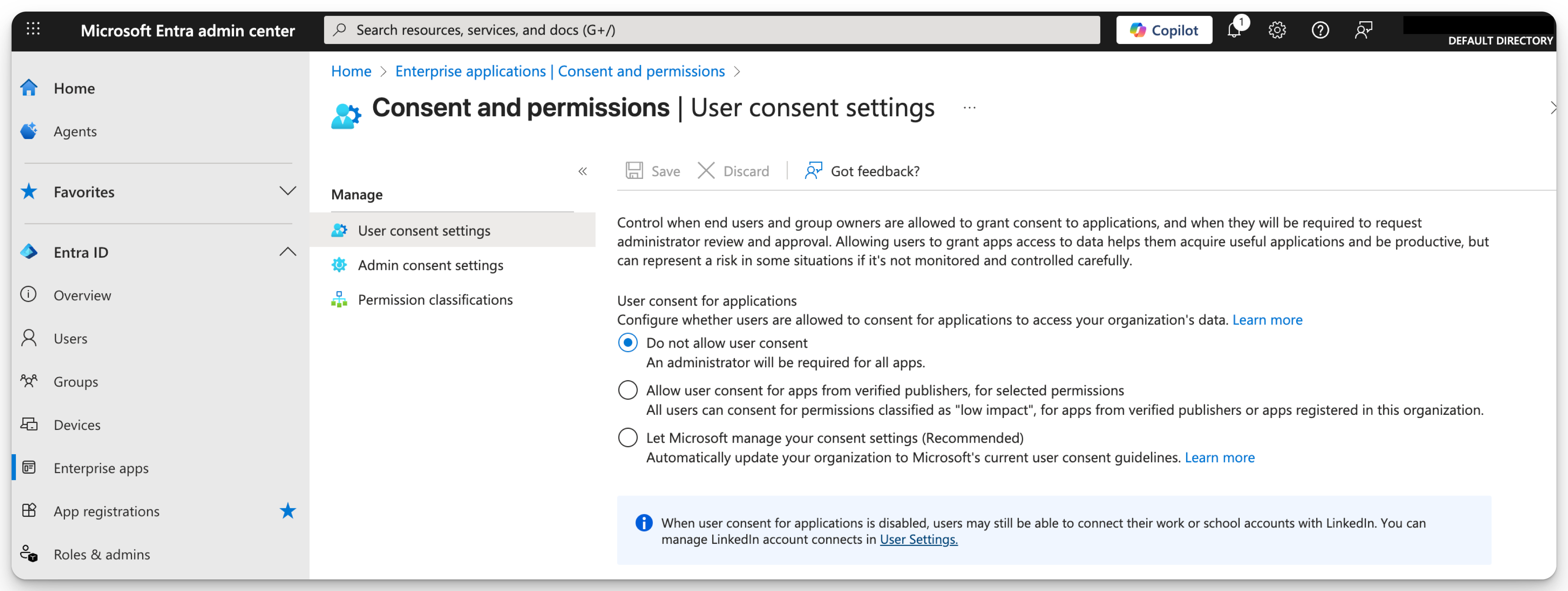
An Office 365 administrator will need to give permission for you and other users from your workspace in order to connect Outlook calendar to Abacor.
If you are the administrator, or would like to show your workspace administrator how to enable 3rd-party access to Abacor, please take a look at the steps below:
Log in to Azure Active Directory with an administrator's login.
Open a new tab in your browser and paste the following link:
Click
Accepton the next window, which looks like this: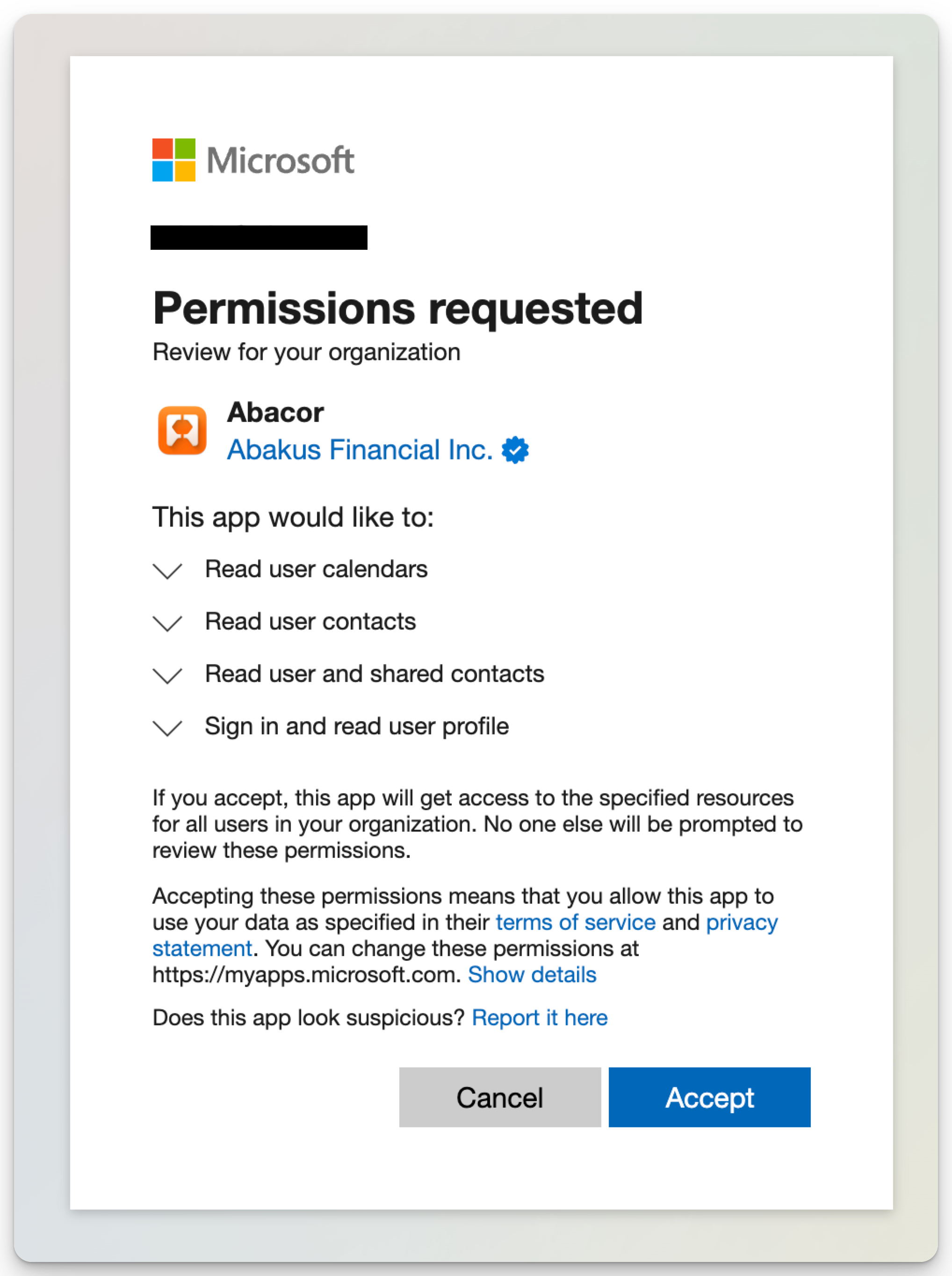
If you don't see a window that has an
Acceptoption, please ensure you're logged in as an administrator.After the admin accepts the permissions, they should see
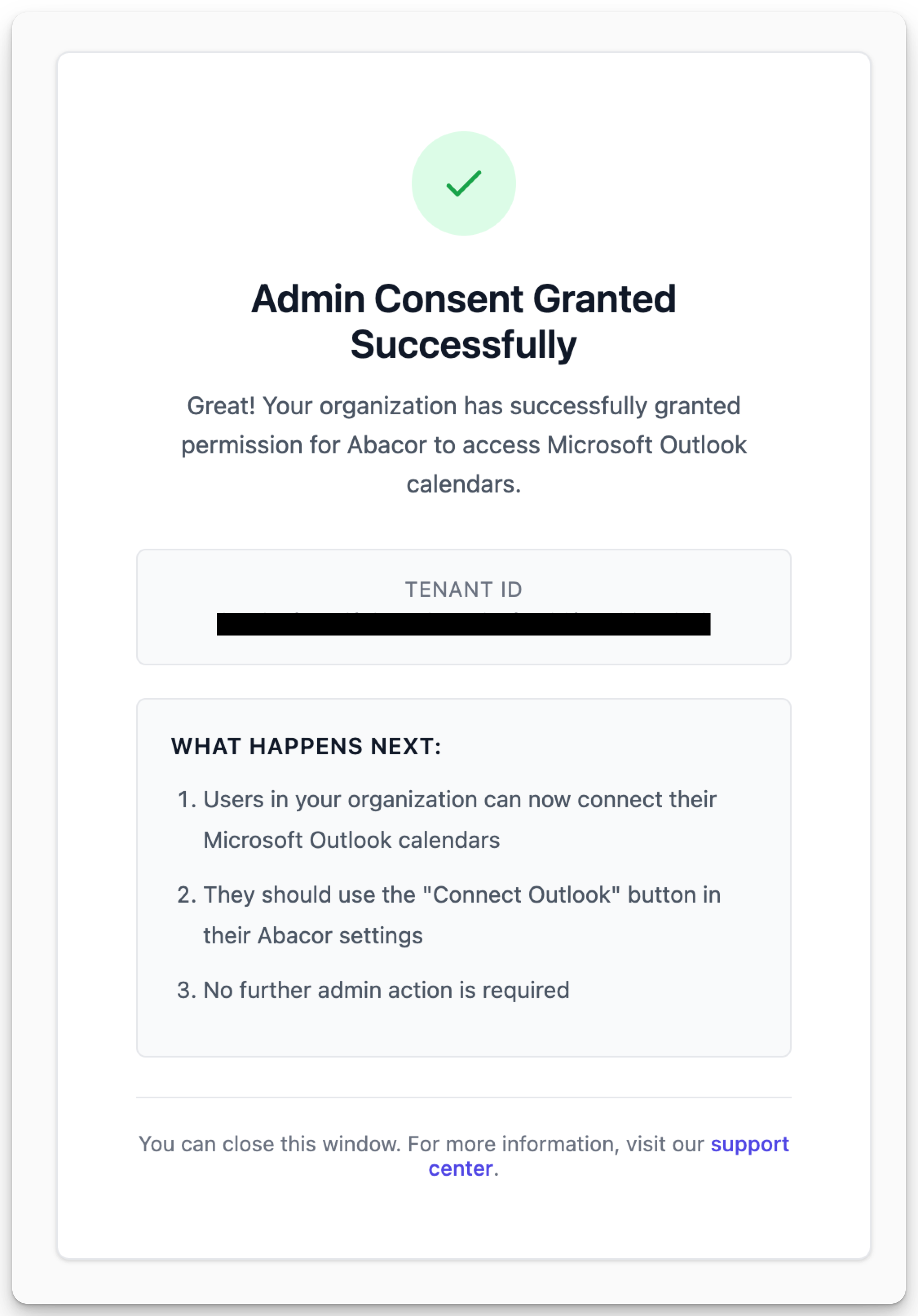
Once your administrator gives you access to Abacor, all you have to do is go back to https://www.abacor.com/app/settings?tab=integrations and follow the standard steps to reconnect your Outlook calendar.
Was this helpful?
Still need help? Ask the team