Connecting to Financial Cents
Abacor integrates with Financial Cents. Once connected, you can publish meeting notes, transcripts, and action items directly into Financial Cents timelines.
Written By Delane Ly
Last updated 11 months ago
Connect to Financial Cents via Abacor
Step 1: Log in to your Abacor account.
Step 2: Go to Settings > Integrations >Abacor.
Step 3: Under CRM & Practice Management select connect to Financial Cents.
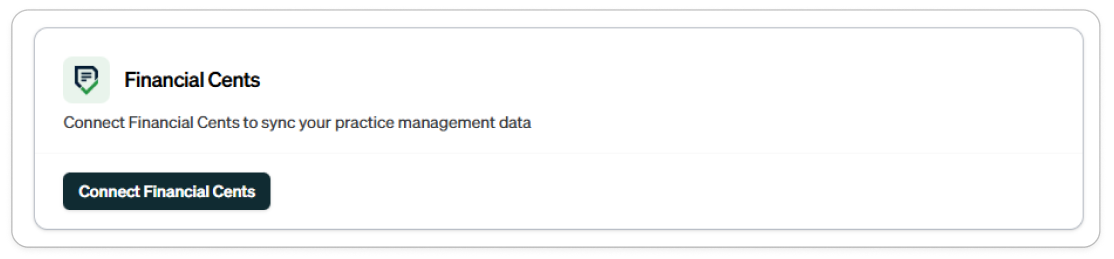
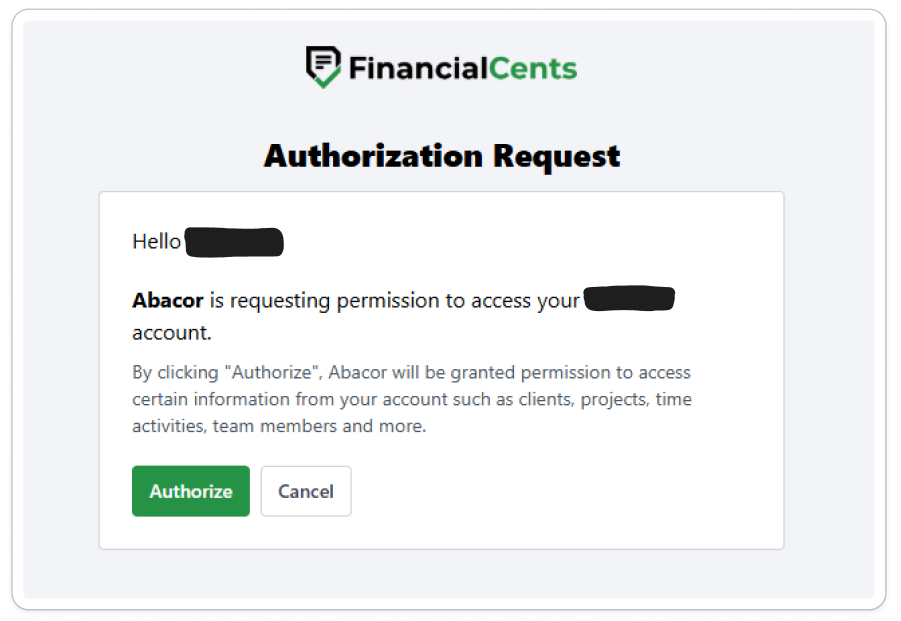
Step 4: Click Authorize to connect Financial Cents.
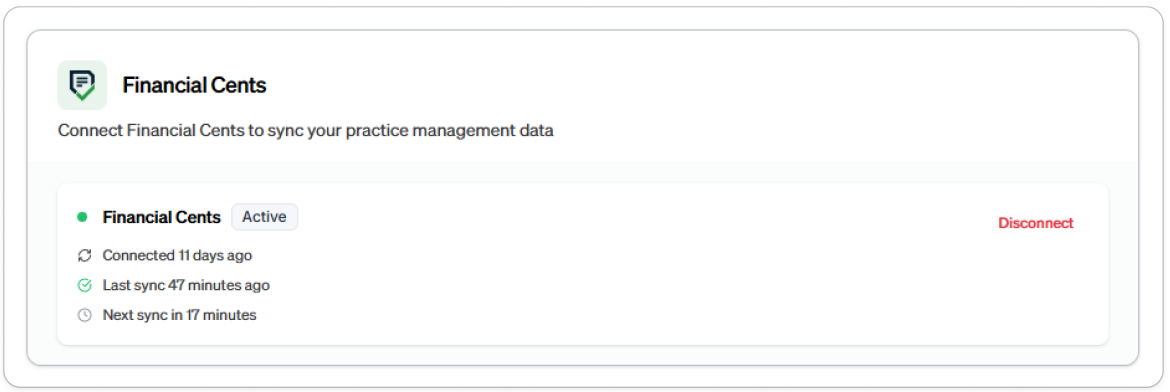
Step 5: Once successful, you’ll see a confirmation message.
Troubleshooting
Authorization fails? Make sure you’re logged into the correct Financial Cents account and have the necessary permissions.
Integration not syncing? Disconnect and reconnect from Settings > Integrations > Abacor.
Still having trouble?
Email us at [email protected] with the meeting date and title so we can help.
Was this helpful?
Still need help? Ask the team